
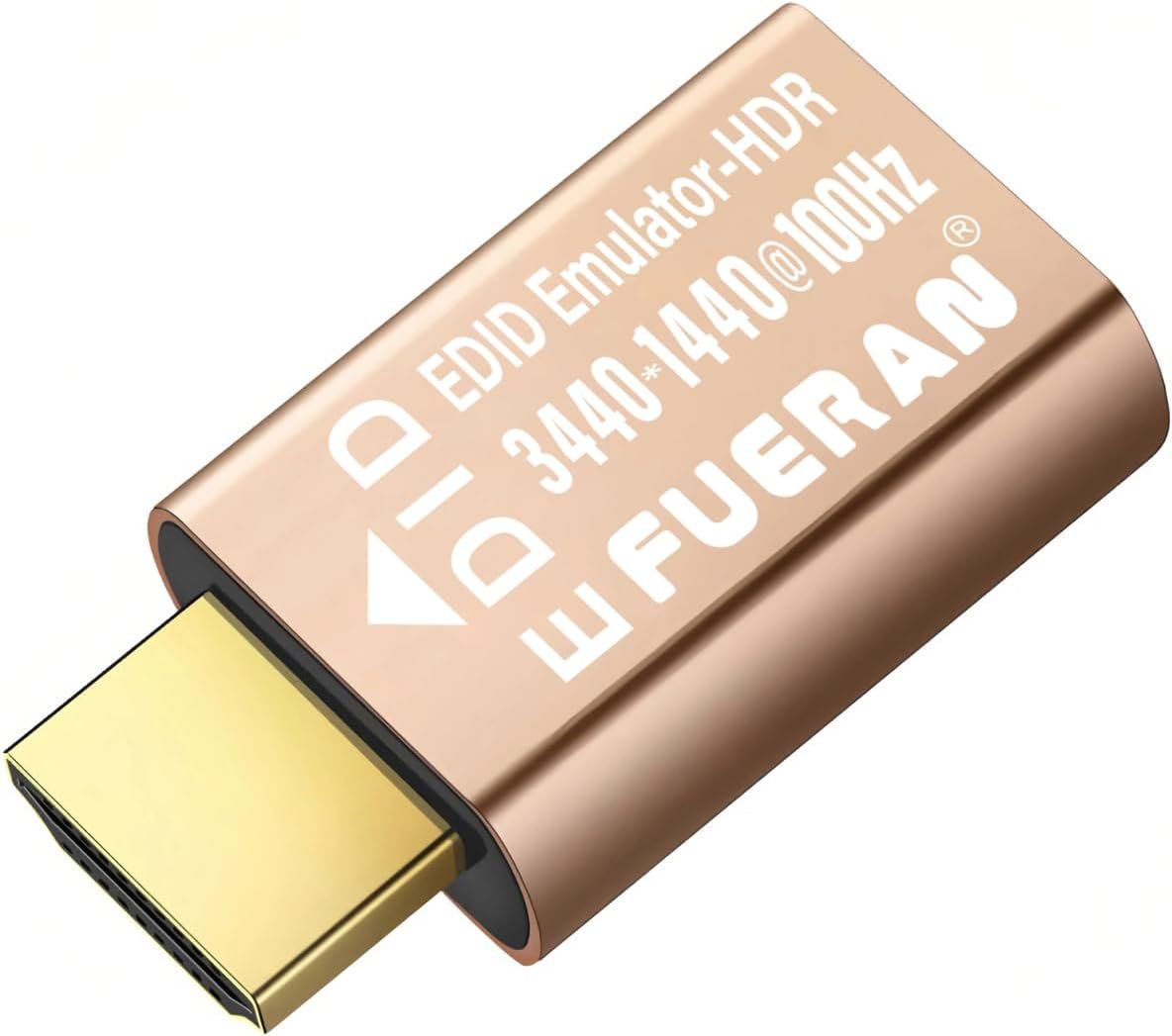
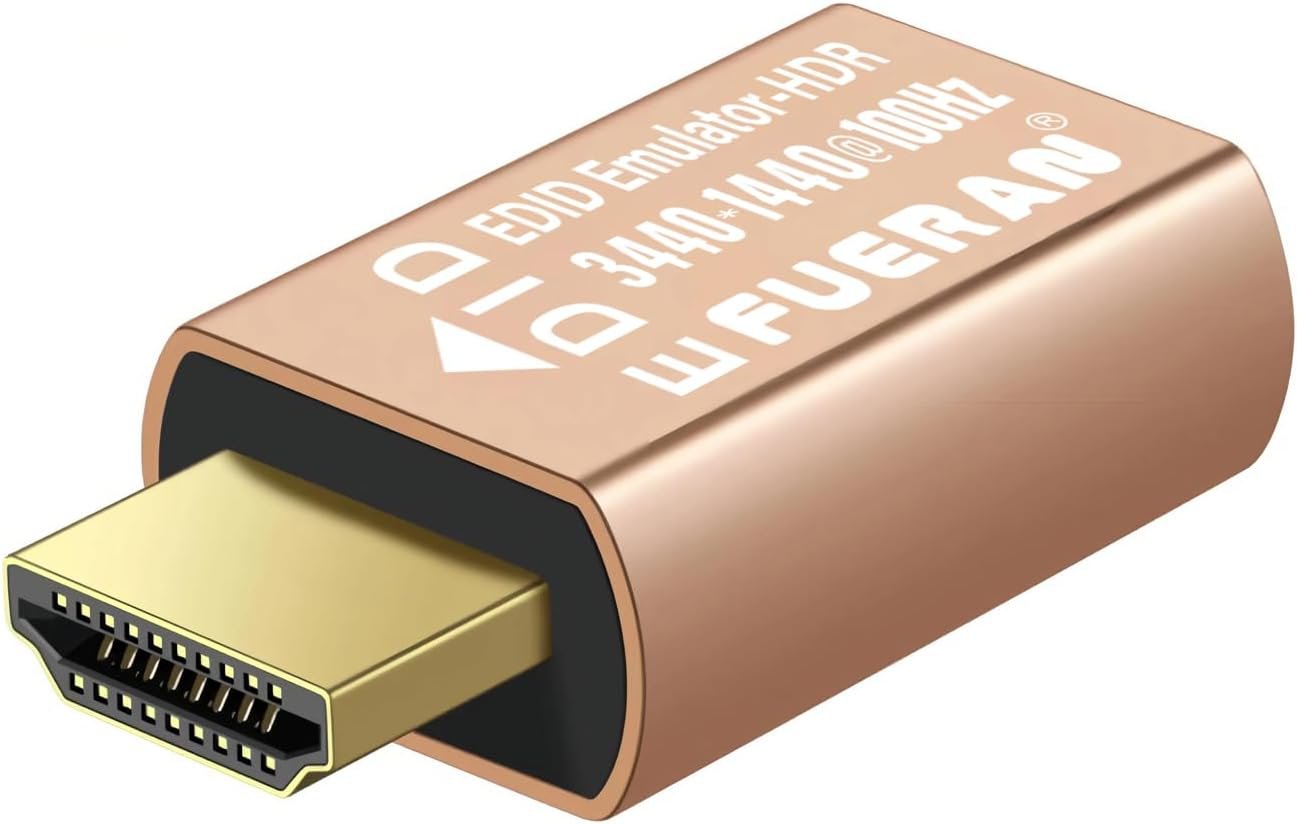

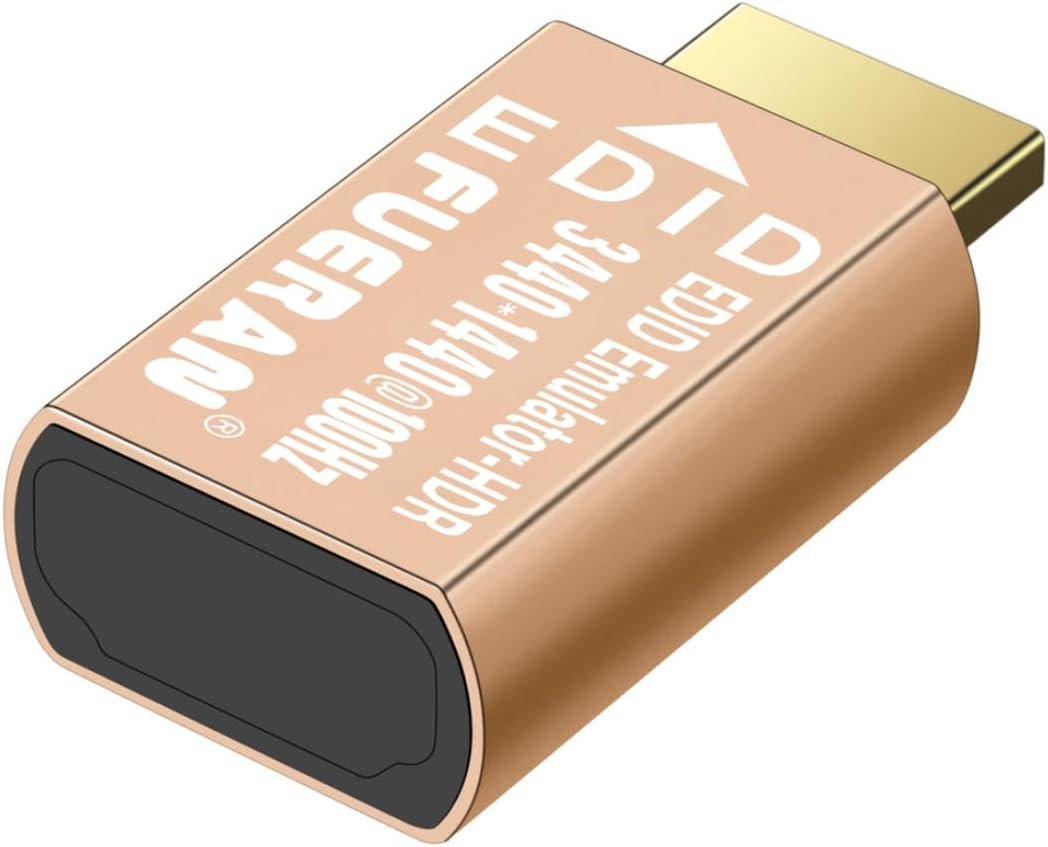
Description
Price: $28.87 - $15.99
(as of Jan 26, 2026 16:56:17 UTC – Details)

What is it?
The HDMI virtual adapter is a display emulator (virtual plug). After connecting to the adapter, your operating system will detect a virtual display and start the GPU. This virtual display works exactly like a real display, allowing the system to function normally without the need for a physical monitor.
GPU hardware is often disabled until a monitor is connected, leading to poor performance and limited resolution, especially when working remotely. Without a monitor, the GPU may be underutilized or completely disabled, reducing productivity and system efficiency.
Once the HDMI virtual adapter starts the GPU, various tasks can be performed, including:
*High resolution and high refresh rate operations such as remote desktop applications, gaming, and graphic workstations.
*Hardware acceleration for GPGPU (General-Purpose GPU) tasks like mining, scientific computing, and video editing.
*Once the GPU is started, the system can perform demanding tasks such as high-resolution gaming, video processing, and more, while functioning remotely without the need for a physical display.
How Can It Help You?
✅ 1. Keep GPU Active for Mining
Many mining rigs experience GPU idling or shutdown when no physical monitor is connected, affecting mining performance. The headless HDMI virtual adapter starts the GPU, ensuring that the mining system runs continuously without interruptions.
How it helps you: Keeps the GPU engaged to maximize mining efficiency.
✅ 2. Fix Black/White Screen and Low Resolution in Remote Desktop
Remote desktop connections to machines without monitors often suffer from black/white screens or low resolution. This HDMI virtual adapter simulates a display, ensuring full-resolution remote desktop access.
How it helps you: Prevents black/white screens and enables full-resolution remote control for a better remote working experience.
✅ 3. Improve Remote Display Resolution and Usability
Working remotely with low resolutions can affect productivity. This HDMI virtual adapter simulates a high-resolution display, providing clear visuals and smooth interaction.
How it helps you: Ensures ideal screen resolution during remote sessions, greatly improving usability and responsiveness.
✅ 4. Enable Monitor-Free Remote Operation
For remote operations without a physical display, the HDMI virtual adapter allows you to turn off the monitor while keeping the system running—perfect for energy-saving setups or headless servers.
How it helps you: Enables headless operation for remote computers, saving energy and supporting specific environments.
✅ 5. Use with VR Without a Monitor
When using VR, no physical monitor is needed. The virtual adapter simulates the display signal, ensuring the VR works properly, saving space and improving convenience.
How it helps you: Ensures a smooth VR experience without the need for a physical monitor.
✅ 6. Plug-and-Play – No Drivers or Setup Needed
No software, drivers, or additional cables required. Simply plug the adapter into the HDMI port, and the system will automatically detect it as a connected display.
How it helps you: Instant setup with no configuration. Saves time and simplifies deployment.
✅ 7. Broad Compatibility with Win, macOS, Linux, and Other Systems
Compatible with all major systems, including Win11/10/8.1/8/7/XP, macOS, Linux, and other embedded platforms.
How it helps you: Offers maximum platform flexibility, suitable for a wide range of computing needs.
✅ 8. Energy Efficient, Heat-Free Operation
Designed for ultra-low power consumption, this device produces no heat during operation—ideal for long-term use in always-on environments.
How it helps you: Minimizes power usage while maintaining performance. No heat, ensuring stable long-term operation.
✅ 9. Ideal for Headless Servers and Remote Maintenance
For servers or PCs without a monitor, this virtual adapter keeps the GPU and display output active, maintaining system stability.
How it helps you: Essential for headless systems and remote IT management, ensuring smooth and uninterrupted system operations.
✅ 10. Supports Streaming and Broadcasting Setups
Many broadcasting tools require an active display signal. This HDMI virtual adapter provides that signal, ensuring video streaming or recording works seamlessly.
How it helps you: Ensures software detects a display signal for smooth content capture and streaming.
✅ 11. Use in Digital Signage and Advertising Systems
In digital signage or kiosk installations, the virtual adapter simulates display connectivity for proper testing and setup—even without a monitor.
How it helps you: Keeps signage systems running continuously even during installation or maintenance without a physical screen.
✅ 12. Ideal for Multi-Display Testing Environments
Need to simulate multiple monitors for testing or development? This adapter creates virtual displays without needing actual monitors.
How it helps you: Ideal for graphics testing, workstation environments, and multi-display setup simulations.
✅ 13. Simple Plug-and-Play Design
No drivers, no software. Just insert into an HDMI port and start using it immediately—perfect for rapid deployment and portability.
How it helps you: Hassle-free plug-and-play setup for quick, efficient deployment.
🔧 Product Highlights – Reinforced Plug and Circuit Board
1. Gold-plated port:Gold-plated HDMI interface reduces signal loss and enhances conductivity. Provides long-term stability and resists oxidation.
2. All-Copper PCB:Fully copper-covered circuit board allows better current flow, reduces resistance, and minimizes signal interference—boosting stability.
3. Enhanced Soldering:Built with brand new solder to ensure long-lasting joints, improve durability, and reduce failure risk.
Detailed resolution and refresh rate of the product:
3440×1440@60/100Hz(Default Resolution)
2560 x1600@60Hz
2560×1440@60/120/144Hz
2048 x1536@60/120/144Hz
1920×1440@60/120/144Hz
1920 x1200@60/120Hz
1920×1080@60/120/144Hz
1680 x1050@60/120/144Hz
1600 x1200@60/120/144Hz
1600 x1024@60/120/144Hz
1600 x 900@60/120/144Hz
1440 x1080@60/120/144Hz
1366 x768@60/120/144Hz
1360 x768@60/120/144Hz
1280 x1024@60/120/144Hz
1280×960@60/120/144Hz
1280 x800@60/120/144Hz
1280 x768@60/120/144Hz
1280×720@60/120/144Hz
1176 x 664@60/120/144Hz
1152 x864@60/120/144Hz
1024 x768@60/120/144Hz
800 x600@60/120/144Hz
Function & resolution:HDMI dummy plug Can enable the PC to enable the GPU to create a virtual display to perform tasks,Simulate Special resolution for remote control –3440×1440@100Hz
Advantages:It allows the computer to run “headless,” reducing the cost of replacing expensive displays, saving energy, and promoting environmental protection. It is an ideal solution for servers, colocation farms, SOHO (Small Office/Home Office), home servers, and remotely deployed headless computers.
Compatibility:Compatible with any discrete graphics card or notebook with HDMI output. Supports PC Win11/10/8.1/8/7/XP, macOS, Linux, and other operating systems. Ideal for game streaming, VR applications, and mini servers for screen sharing, remote desktop applications, etc.
Ease of Use:The HDMI virtual adapter simulates a display, plug and play — no drivers, no software, no power required. Supports hot swapping, low power consumption, ensuring stability for mining, video rendering, and simulation mirroring tasks.
Exquisite Craftsmanship:Utilizes gold-plated HDMI connectors, a full copper circuit board, and enhanced soldering technology to reduce signal loss, optimize current flow, improve stability and durability, ensuring reliable long-term operation.






Reviews
There are no reviews yet.