
Follow ZDNET: Add us as a preferred source on Google.
ZDNET's key takeaways
- Google Search can now reference users' Gmail and Photos accounts.
- The feature is part of a broader push for more personalized AI.
- It's only available to some users for the time being.
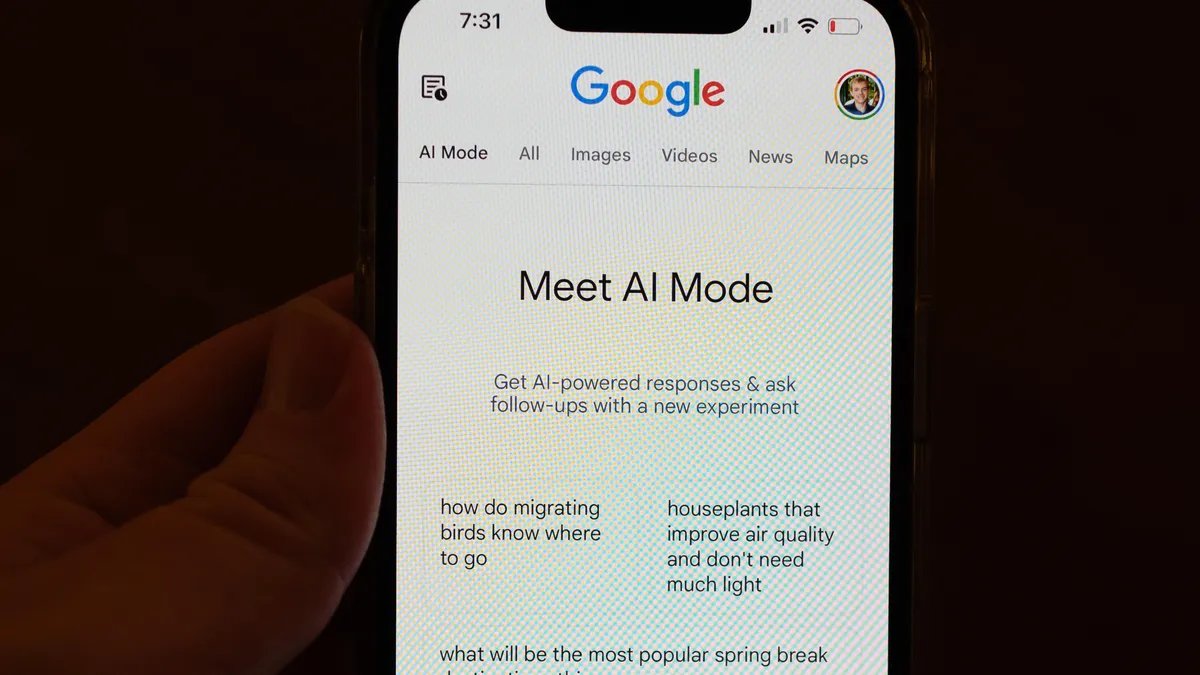
Google will make its web search results more personalized by letting AI Mode in Search sync with users' Gmail and Photos accounts, the company said Thursday.
It's the latest development for Google's Personal Intelligence feature, which debuted last week and is designed to boost Gemini's practical usefulness by connecting it with the tech giant's proprietary apps. The overarching goal is to make Gemini, which, along with other chatbots like ChatGPT, was originally trained as a general conversational tool, more of an automated assistant that's tailored to the needs and preferences of individual users.
“Personal Intelligence transforms Search into an experience that feels uniquely yours by connecting the dots across your Google apps,” Robby Stein, VP of product in Google's Search division, wrote in a blog post. “With this new experience, you can tap into your own personal context and insights to unlock even more helpful Search responses that are tailored to you.”
How it works
Saving time (especially on menial tasks) has become a major KPI for AI developers building consumer-facing tools, and Google's latest Search feature is no exception. According to Stein, granting AI Mode—which is powered by Google's Gemini 3 model—permission to crawl your Gmail and Photos data means you can prompt the search engine with fairly broad personal questions without having to meticulously spell out relevant details about your habits, schedule, and so on.
Think of it like ChatGPT's memory capability for Google Search, and rather than explicitly telling the AI specific details of your life, it proactively references past email threads and photos to curate a more personalized response.
Also: I tried Gmail's new Gemini AI features, and now I want to unsubscribe
Say you ask for some recommendations for your upcoming trip. From that ostensibly unspecific prompt, Gemini could refer to your Gmail account to find messages outlining your plan to fly to Sydney in February with your whole family, and to your many photos of you and your kids standing in museums and art galleries around the world, to generate tailored recommendations.
Or if you're looking to buy some new clothes online before the trip, the system can factor in your past purchases, as well as photos of yourself to get a sense of your taste, while also accounting for the Australian heat (recommending something light and airy, maybe, over a heavy coat).
Privacy considerations
As with any personalized AI feature, letting AI Mode in Google Search obviously means you're handing over more of your personal data to Google.
Stein wrote in the blog post that the new feature is opt-in only, that the connections can subsequently be turned off if you later change your mind, and that users' Gmail messages or photos won't be used to train new models.
Bearing those privacy protections in mind, you should still be mindful that granting AI Mode in Search access to your Gmail and Photos will shape the search results you see, which can cause confusion. If you have lots of photos of a friend's dog, for example, the system might mistake you for a dog-owner and generate recommendations accordingly.
Also: Gemini can look through your emails and photos to ‘help' you now – but should you let it?
You'll also have the option, however, of refining the system's responses by sending direct follow-up messages in the prompt window or by rating unwanted responses with a thumbs-down.
It's also worth noting that this is currently an experimental feature that's being rolled out only to individual users and not to enterprise or education accounts, an indicator that there are still too many bugs to be worked out before it's deployed at a larger, organization-wide scale.
How to access
The AI Mode connection with Gmail and Google Photos is rolling out in English to Google AI Pro and Ultra subscribers in the US over the next few days, according to Stein.
They should receive a notification to access the feature, but they can also grant access by opening their profile in Search and selecting Search personalization —> Connected Content Apps —> Connect Workspace and Google Photos.